
Limited Device Interoperability
Telephony, paging, access control, alarm and intercom devices often come from different vendors with incompatible protocols and interfaces, making coordinated workflows difficult.

System IntroductionEmergency Notification Software helps organizations manage ur
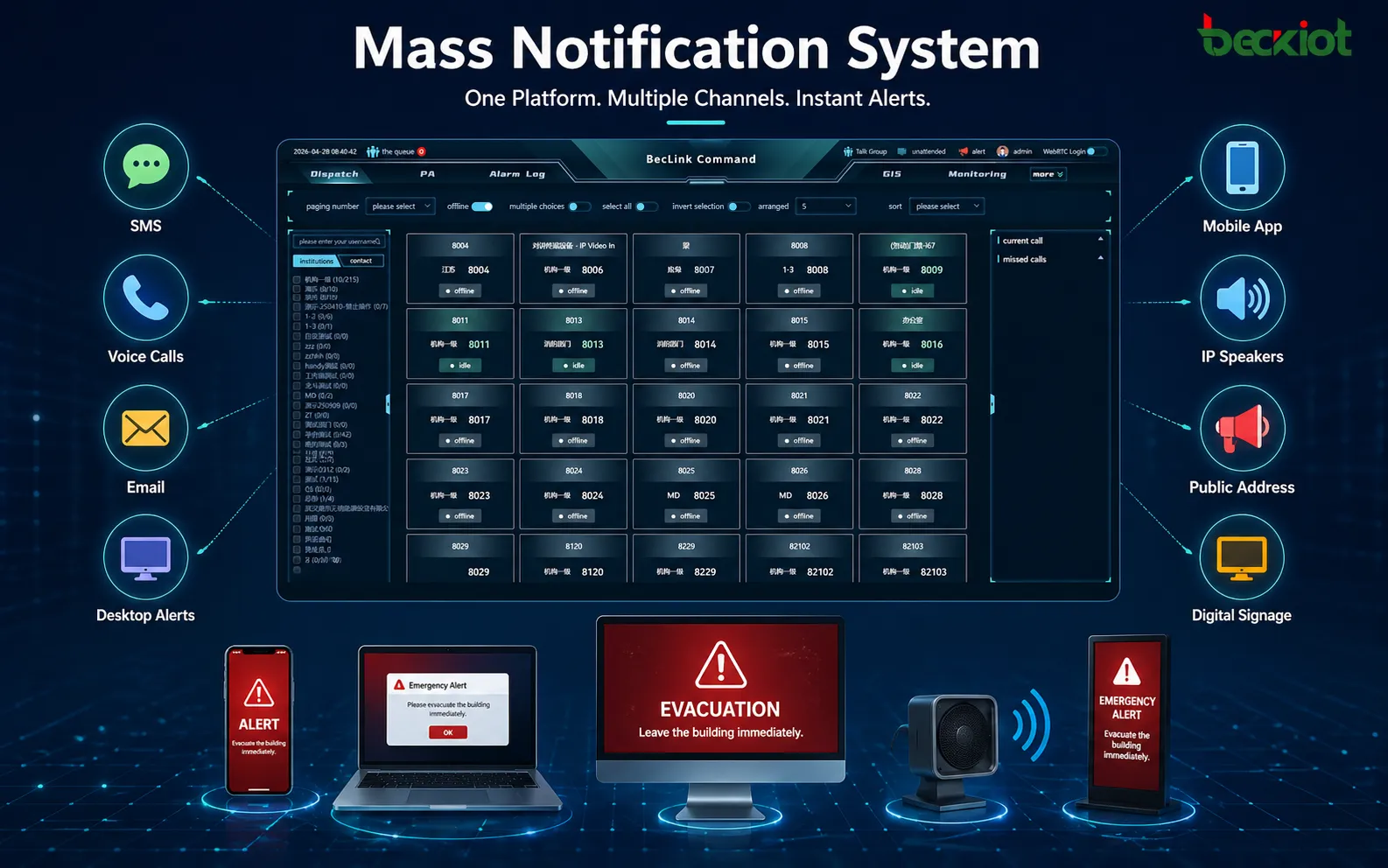
Campus systems are often built over many years with equipment from multiple vendors. Project success depends less on any single terminal than on interoperability, future scalability and fast cross-team coordination when an incident occurs.
Telephony, paging, access control, alarm and intercom devices often come from different vendors with incompatible protocols and interfaces, making coordinated workflows difficult.
Early deployments may cover only limited areas. Adding campuses, buildings, terminals or mobile applications can require duplicated infrastructure or platform replacement.
Alarms, calls, paging and video often run independently, forcing operators to switch between interfaces and making incident status difficult to track end to end.
Incidents often involve security, facilities, duty teams and management. Without a unified dispatch entry point, information must be relayed manually, delaying field response and coordinated action.

Campus communications are often split across office phones, public address, access intercoms, dormitory duty stations and emergency alarms. Unified access keeps faculty, security, facilities and duty centers connected through desk phones, dispatch consoles, mobile devices and field terminals.
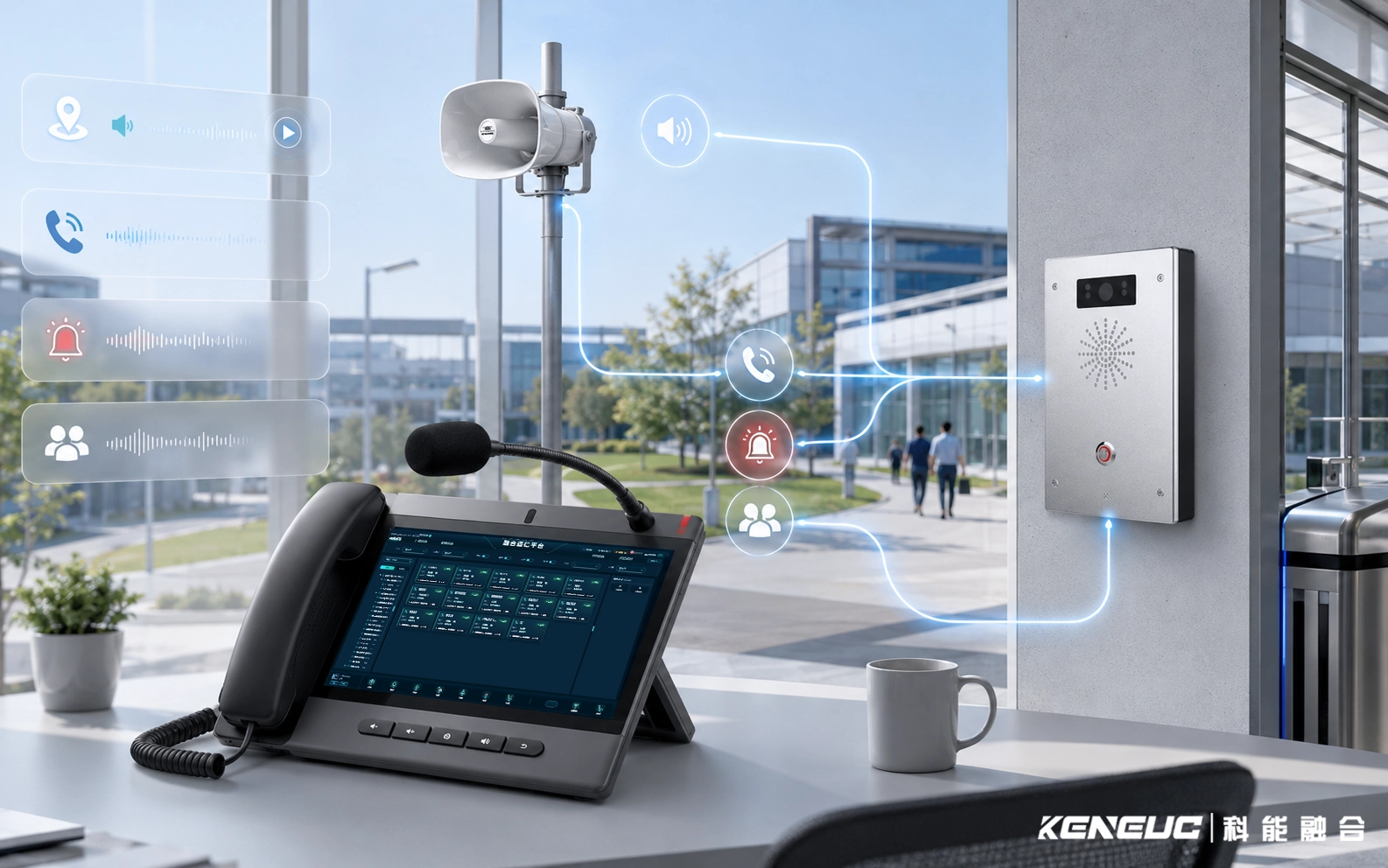
A unified platform manages terminal registration, zone groups, call permissions, paging tasks and alarm linkage while retaining call, recording and incident logs. Workflows can be configured by campus, building, department or duty role.

Office telephony, duty calls, public paging and one-touch emergency calls can follow different routes by campus, building and duty role. During an incident, operators can use familiar communication channels for calls, paging and notifications instead of switching systems.
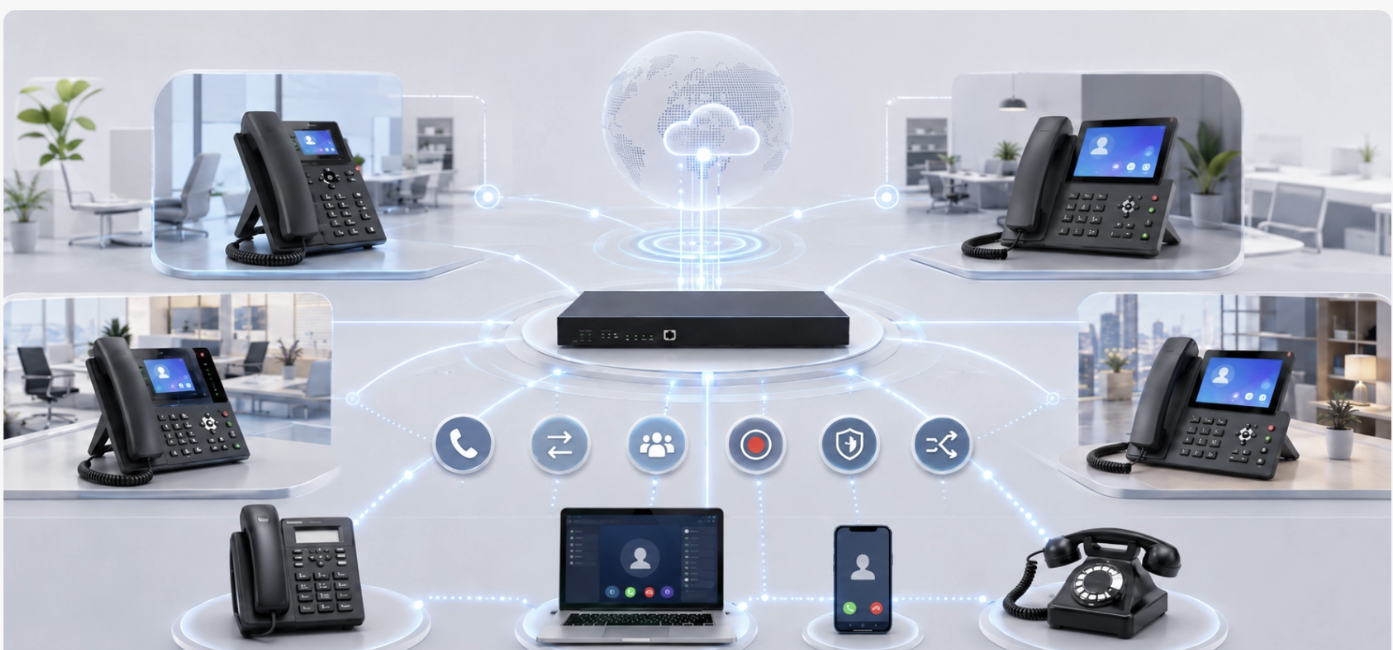
Support enterprise extensions, SIP trunks, IP phones, softphones, analog phones and multi-branch networking with calling, transfer, pickup, conferencing, recording, permissions and numbering rules.

Display the location and status of people, vehicles, terminals, cameras, alarm points and critical areas on a map. Support area selection, nearest-resource dispatch, track history and resource search. When an alarm occurs, the system can locate the incident and show nearby communication and response resources.

Associate telephony, paging, intercom, video, access control and alarms by campus workflow so operators can view incident status and launch the required communication actions from one place.
Connect campus devices, user roles and business systems through terminal access, platform capabilities, applications and multi-device use. Deployments can be phased according to existing networks and equipment.


Support SIP phones, paging terminals, intercoms, analog voice gateways and third-party business systems across different campus networks and line conditions.

Operators can handle calls, paging, notifications and incident response from dispatch consoles, desk phones, web clients or mobile devices.
Integrate access control, video, fire systems, campus management and alarm platforms through standard protocols and APIs, with project-specific workflows.
Start with critical-area communication and emergency requirements, then expand to dormitories, teaching buildings, venues and multi-campus management.
Control lighting based on ambient light, schedules and occupancy while centralizing device status to reduce unnecessary operation in unoccupied areas.
Centralize temperature, humidity, air quality, noise and equipment status, and deliver exceptions through notifications, paging or work-order interfaces.
Manage lighting and electrical equipment by area, schedule and usage status, using records to identify idle operation and abnormal energy consumption.
Monitor critical circuits, distribution areas and equipment rooms, and deliver abnormal alarms to duty staff and the campus dispatch center.
Connect access intercoms, visitor calls, duty phones and emergency call points to the campus communication system for coordination among gate staff, security and management.
Unified communications and zone management reduce time spent locating contacts and repeating notifications, while making incident handling easier to record and review.
One-touch emergency calls, dispatch calling, zoned paging and alarm linkage.
Centralized management of terminal status, incident records and role-based access.
Cross-campus numbering, centralized management and local resilience.
Common questions about hazardous-area deployment, SIP integration, network planning and project preparation.
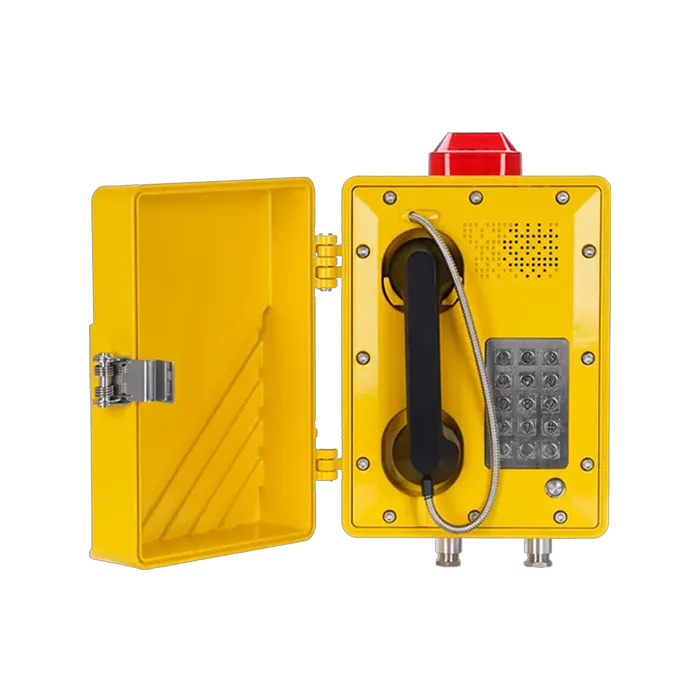
The EX-BH621 is intended for industrial communication projects where flammable gas, dust or high ambient noise may be present. The site hazardous-area classification, required certification and installation conditions should be confirmed before deployment.
It supports SIP 2.0 and can be planned for use with compatible SIP servers and IP PBX platforms. Registration parameters, dial plans, codecs, network routing and any project-specific interoperability requirements should be verified during system design.
Prepare a stable IP path between the field telephone and the communication platform, and confirm addressing, routing, bandwidth, latency and network security policies. Where existing access infrastructure is used, the final interface and topology should be checked against the project design.
The product uses a multi-mode power architecture, so the project should match the available field power, backup-power requirements and installation environment to the selected configuration. Confirm the final power arrangement before ordering.
Yes, a SIP telephone can be included in a wider communication workflow that also uses dispatch consoles, paging, intercom or other SIP resources. The available call flows and control functions depend on the platform and integration design.
Provide the hazardous-area classification, required certification, quantity, installation location, SIP or PBX environment, network conditions, available power and any dispatch or paging integration requirements. This helps confirm the correct configuration before quotation.
Share your existing systems, number of campuses, terminal types and key scenarios. We can help define access methods, system boundaries and implementation steps.
Contact Us Now

